Req 1b — Digital Footprint
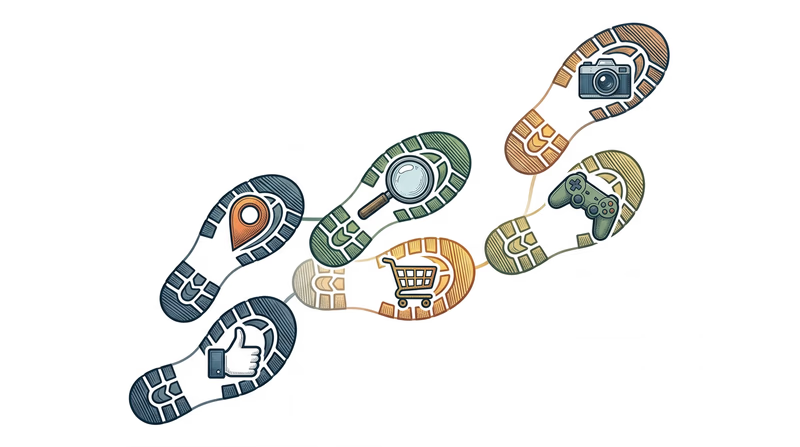
Every search you make, every post you like, every game you play online — each action adds another piece to your digital footprint. It is the collection of all the data you leave behind as you use the internet. Some of it you create on purpose, like a social media post. Some of it is collected without you even realizing, like a website tracking which pages you visit. And once information is out there, getting it back is nearly impossible.
What Is a Digital Footprint?
Your digital footprint has two parts:
- Active footprint — information you deliberately share. This includes social media posts, comments, profile bios, uploaded photos, and messages you send. You have direct control over this.
- Passive footprint — information collected about you without your direct input. This includes your IP address, browser cookies, location data from your phone, and your browsing history. Apps and websites collect this automatically.
Protecting Your Footprint on Social Media
Social media platforms are designed to encourage sharing. That is their business model — the more you share, the more data they have, and the more targeted ads they can sell. Here is how to share responsibly:
- Review your profile. Remove your phone number, home address, school name, and full birthdate from public profiles. A city or state is enough for location.
- Think before you post. Ask yourself: “Would I be comfortable if my school principal, a college admissions officer, or a future employer saw this?” If not, do not post it.
- Check tagged photos. Other people can tag you in photos. Review tags and untag yourself from anything you do not want associated with your name.
- Limit your audience. Most platforms let you restrict posts to friends only. Use this — there is no reason strangers need to see your vacation photos.
Privacy Settings: A Walkthrough
Every major platform has privacy settings, but they are often buried in menus and set to share more by default. Here are the key settings to check:
Privacy Settings Audit
Check these on every platform you use
- Profile visibility: Set to “Friends Only” or “Private” instead of “Public.”
- Location sharing: Turn off location tagging on posts. Disable location services for apps that do not need them.
- Contact info: Hide your email and phone number from your public profile.
- Search visibility: Disable “Allow search engines to link to your profile.”
- Third-party app access: Revoke access for apps you no longer use. Each connected app can access your data.
- Ad personalization: Opt out of interest-based advertising where possible.
Mobile Apps and Permissions
When you install an app, it often asks for permissions — access to your camera, microphone, contacts, location, and more. Many apps request far more access than they actually need.
Online Gaming and Voice Chat
Online games create unique privacy risks. Voice chat, screen names, and in-game messaging can all reveal personal information if you are not careful.
- Use a screen name that does not include your real name, age, or location.
- Be cautious in voice chat. Background noise can reveal information — siblings calling you by name, a parent mentioning your school, a TV news anchor naming your town.
- Do not share personal details with online gaming friends, even ones you have played with for a long time. You do not truly know who is on the other side.
Showing Your Counselor
For this requirement, you need to demonstrate privacy settings — not just describe them. Pick one or two platforms you actually use (Instagram, Snapchat, Discord, a gaming platform) and walk your counselor through the settings step by step. Show them what each setting does and explain why you chose the configuration you did.
Protecting Your Digital Footprint — Keys to Cybersecurity A curriculum module from Cyber.org on understanding and managing your digital footprint.