 Getting Started
Introduction & Overview
Every bridge you cross, every building you enter, every phone in your pocket — none of it existed until someone drew it first. Drafting is the language engineers, architects, and designers use to turn ideas into reality. A precise drawing tells a builder exactly what to cut, where to weld, and how parts fit together — down to fractions of a millimeter. Without drafting, modern civilization simply could not be built.
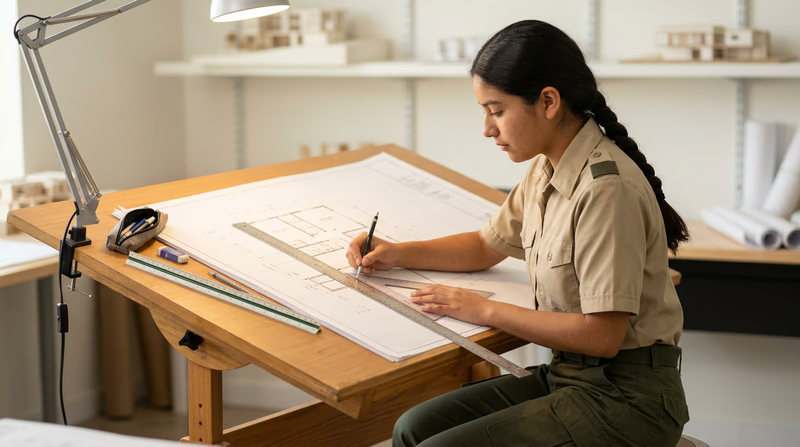
This merit badge puts real drafting tools in your hands. You will format drawing sheets, create manual drawings with pencil and straightedge, design with computer-aided design (CAD) software, learn professional lettering, and discover how drafting drives real industries. By the end, you will know how to communicate a three-dimensional idea on a flat page so clearly that a stranger could build it.
Then and Now
Then — Drawing by Hand, Building the World
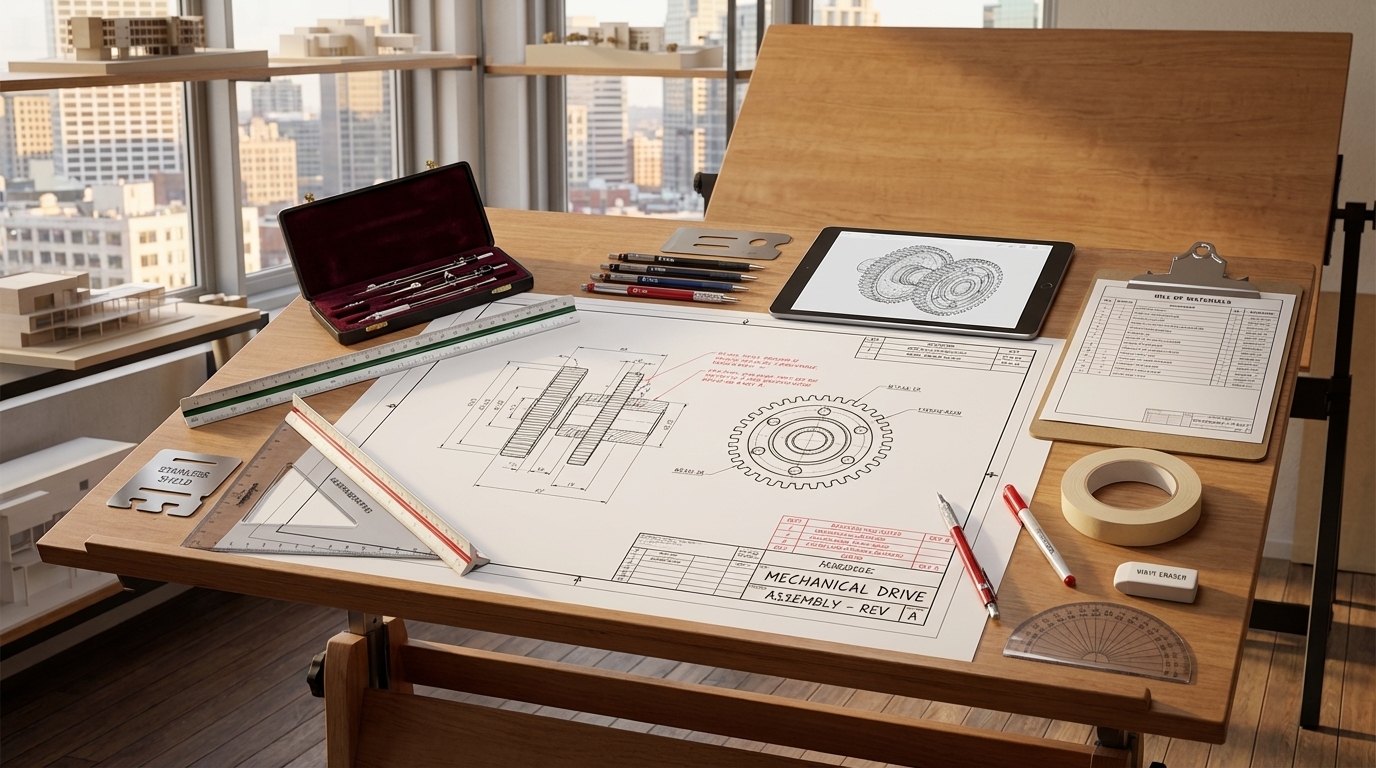
For centuries, every structure and machine started as a hand-drawn plan. Ancient Egyptian builders used grids scratched on limestone to lay out the pyramids. Leonardo da Vinci filled notebooks with mechanical drawings so detailed that modern engineers have built working models from his 500-year-old sketches. During the Industrial Revolution, draftsmen worked at massive tilted drawing boards, using T-squares, triangles, compasses, and French curves to produce the blueprints for bridges, railroads, and skyscrapers. The term “blueprint” itself comes from a 19th-century chemical copying process that turned drawings white-on-blue.
- Tools: T-square, triangle, compass, protractor, ruling pen, mechanical pencil
- Mindset: Precision was life-and-death — a misplaced dimension on a bridge truss could cause collapse
Now — From Pixels to Products
Today, most professional drafting happens on a computer screen. CAD software like AutoCAD, SolidWorks, Fusion 360, and Revit lets designers create, modify, and share drawings in minutes that once took days. A 3D CAD model can be stress-tested digitally before any metal is cut, 3D-printed as a prototype overnight, or sent directly to a CNC machine that cuts parts to thousandths of an inch. Yet hand-drafting skills remain essential — engineers still sketch ideas on napkins, whiteboards, and notebooks before ever opening a CAD program.
- Tools: CAD software, 3D printers, CNC machines, laser cutters, tablets with styluses
- Mindset: Digital tools accelerate the process, but spatial thinking and drafting fundamentals still drive every great design
Get Ready! You are about to learn a skill that bridges art and engineering. Whether you dream of designing spacecraft, houses, circuit boards, or video game environments, drafting is the foundation. Sharpen your pencils and boot up your computer — it is time to draw.
Kinds of Drafting
Drafting shows up everywhere — from skyscrapers to smartphones. Here are the major branches you will encounter in this badge and beyond.
Architectural Drafting
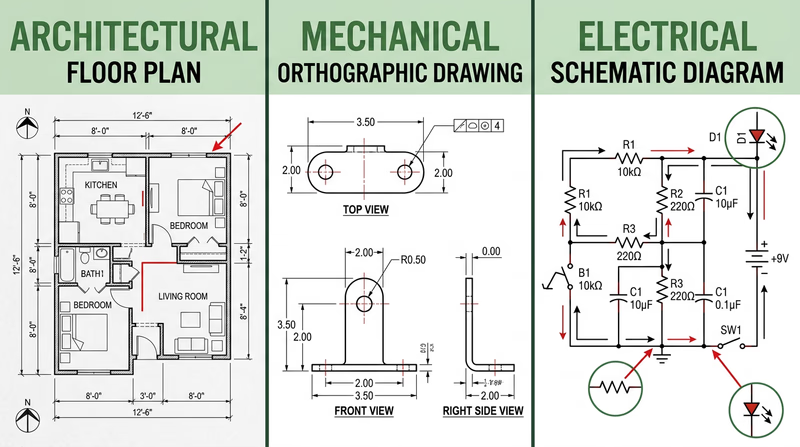
Architectural drafters create the plans for buildings — floor plans showing room layouts, elevation drawings showing what a structure looks like from the outside, and detail drawings showing how walls, roofs, and foundations are assembled. If you have ever looked at a house plan or a blueprint for a school addition, you have seen architectural drafting. You will have the option to create an architectural drawing for Requirements 2 and 3.
Mechanical Drafting
Mechanical drafting covers machines, tools, vehicles, and manufactured parts. A mechanical drawing might show every dimension of a gear, the assembly of an engine, or the layout of a bicycle frame. Mechanical drafters use orthographic projection (showing an object from the top, front, and side) and isometric views (a 3D-looking view at an angle) to communicate how parts fit together.
Electrical Drafting
Electrical drafters produce schematic diagrams — drawings that use standardized symbols to represent components like resistors, capacitors, transistors, and switches. A schematic does not show what a circuit looks like physically; it shows how the components connect electrically. If you have ever built a circuit from a kit, the instruction diagram was an electrical schematic.
Civil Drafting
Civil drafters work on infrastructure projects — roads, bridges, dams, water systems, and land surveys. Their drawings include topographic maps showing elevation contours, site plans for construction projects, and profile views of roads and pipelines.
Structural Drafting
Structural drafting focuses on the bones of a building or bridge — the steel beams, concrete columns, and connections that hold everything up. A structural drawing details how loads flow through a structure and specifies the size and placement of every structural member.
3D Modeling & Parametric Design
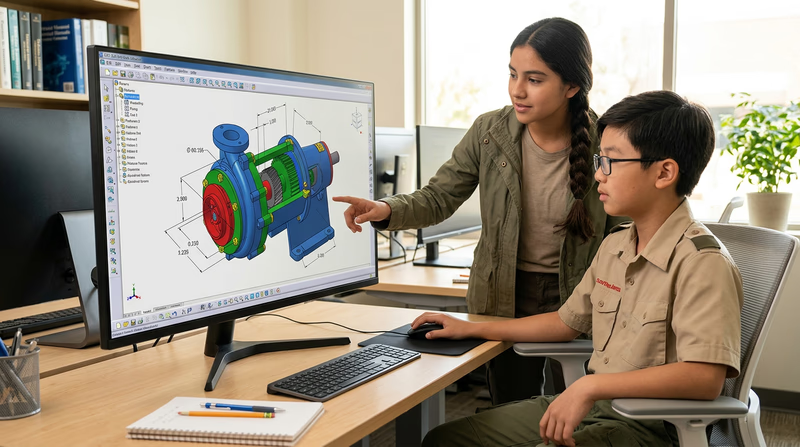
Modern CAD goes beyond flat drawings into full 3D modeling. Parametric design tools like SolidWorks and Fusion 360 let you build a virtual 3D object, then automatically generate the 2D drawings from it. Change one dimension on the model, and every related drawing updates instantly. This is the direction the industry is heading.
Now that you understand the scope of drafting and why it matters, it is time to pick up your tools and get started with the fundamentals.